Lists
Populate bulleted lists or numbered lists with arrays of text.
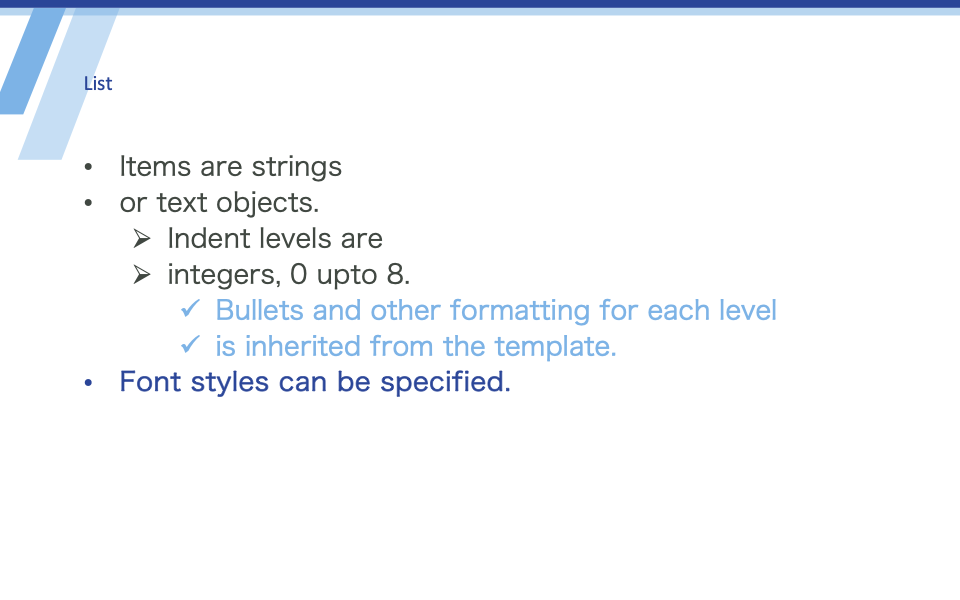
SlidePack will turn your {placeholder} into a bulleted or numbered list.
All other content inside that text box will be removed.
If you have specific styles (fonts, bullet points, etc) in mind for each of the indent levels:
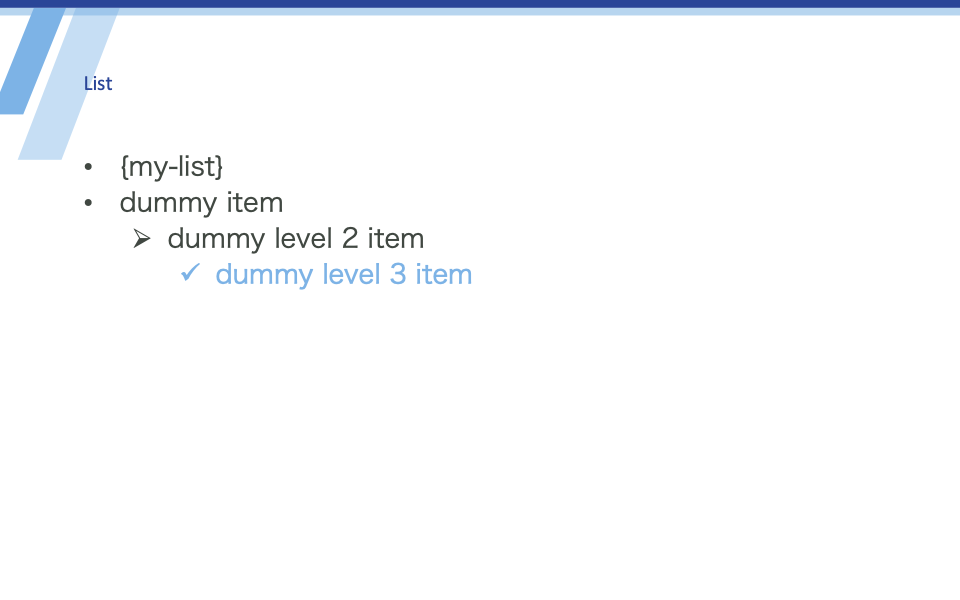
- Create a list in your template.pptx, with dummy content, but with all of your desired styles already applied.
- Put a placeholder, e.g.
{my-list}somewhere in that list.
level is a dedicated property of the Text object that dictates the indent level of each list item.
0 (or unspecified) is the top level and 8 is the deepest.
Reference: the List object · the Text object · the Styles object
Download: input.zip · output.pptx
template.pptx
1
output.pptx
1
data.json
{
  "slides": [
    {
      "template": 1,
      "my-list": {
        "type": "list",
        "values": [
          "Items are strings",
          "or text objects.",
          { "type": "text", "value": "Indent levels are", "level": 1 },
          { "type": "text", "value": "integers, 0 upto 8.", "level": 1 },
          { "type": "text", "value": "Bullets and other formatting for each level", "level": 2 },
          { "type": "text", "value": "is inherited from the template.", "level": 2 },
          { "type": "text", "value": "Font styles can be specified.", "styles": { "font": { "bold": true, "color": "2a4598" } } }
        ]
      }
    }
  ]
}